Test sends and delivery debugging
Webhook endpoints should be tested before real customer activity depends on them. Use Switera test sends and delivery views to confirm that the receiver accepts, validates, and processes events correctly.
Start from the Event Catalog
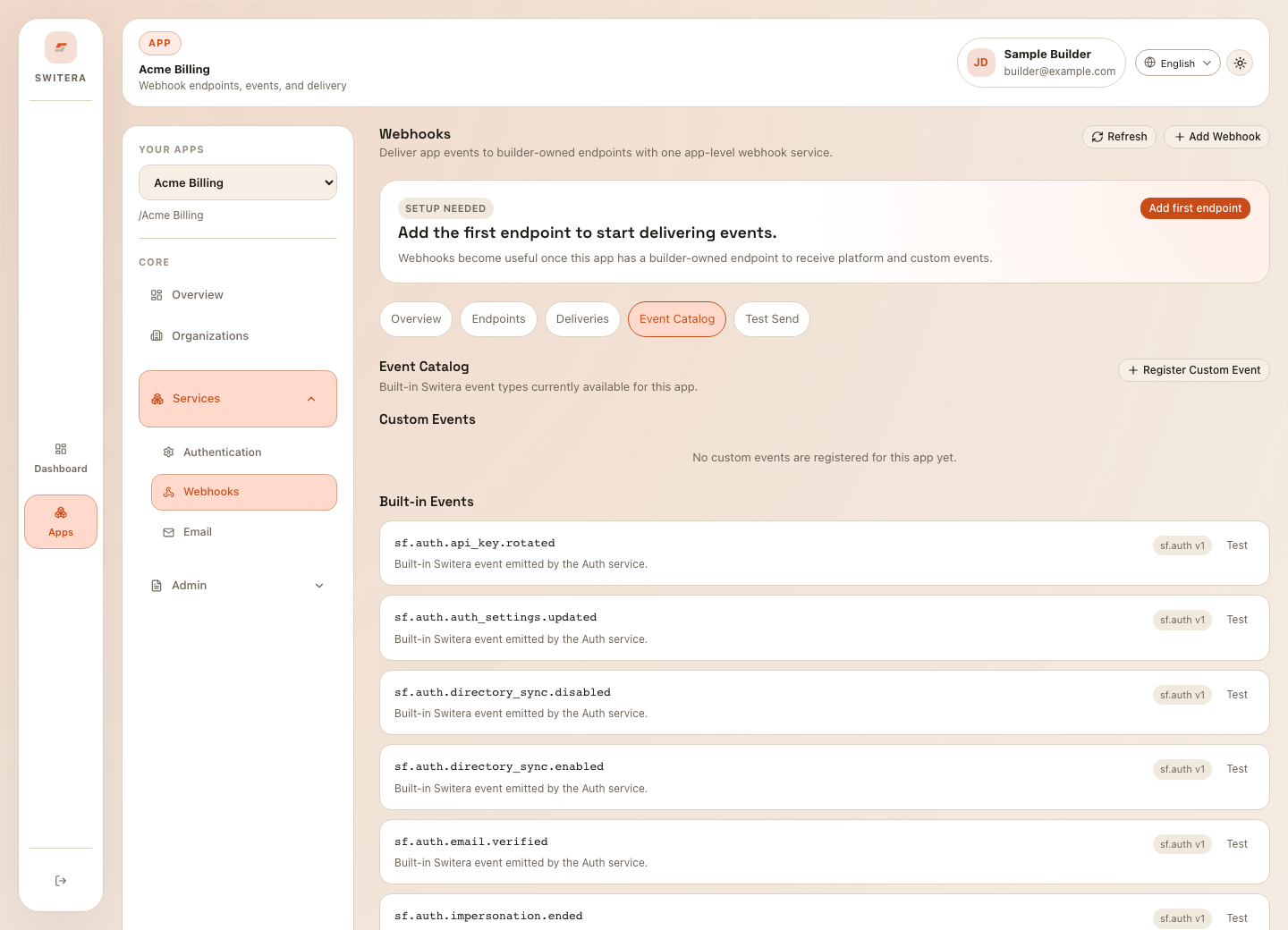
For each event family, decide:
- why the receiver needs it
- which database record or workflow it affects
- whether duplicate events are safe
- what should happen if processing fails
- who owns the downstream workflow
Send a synthetic event
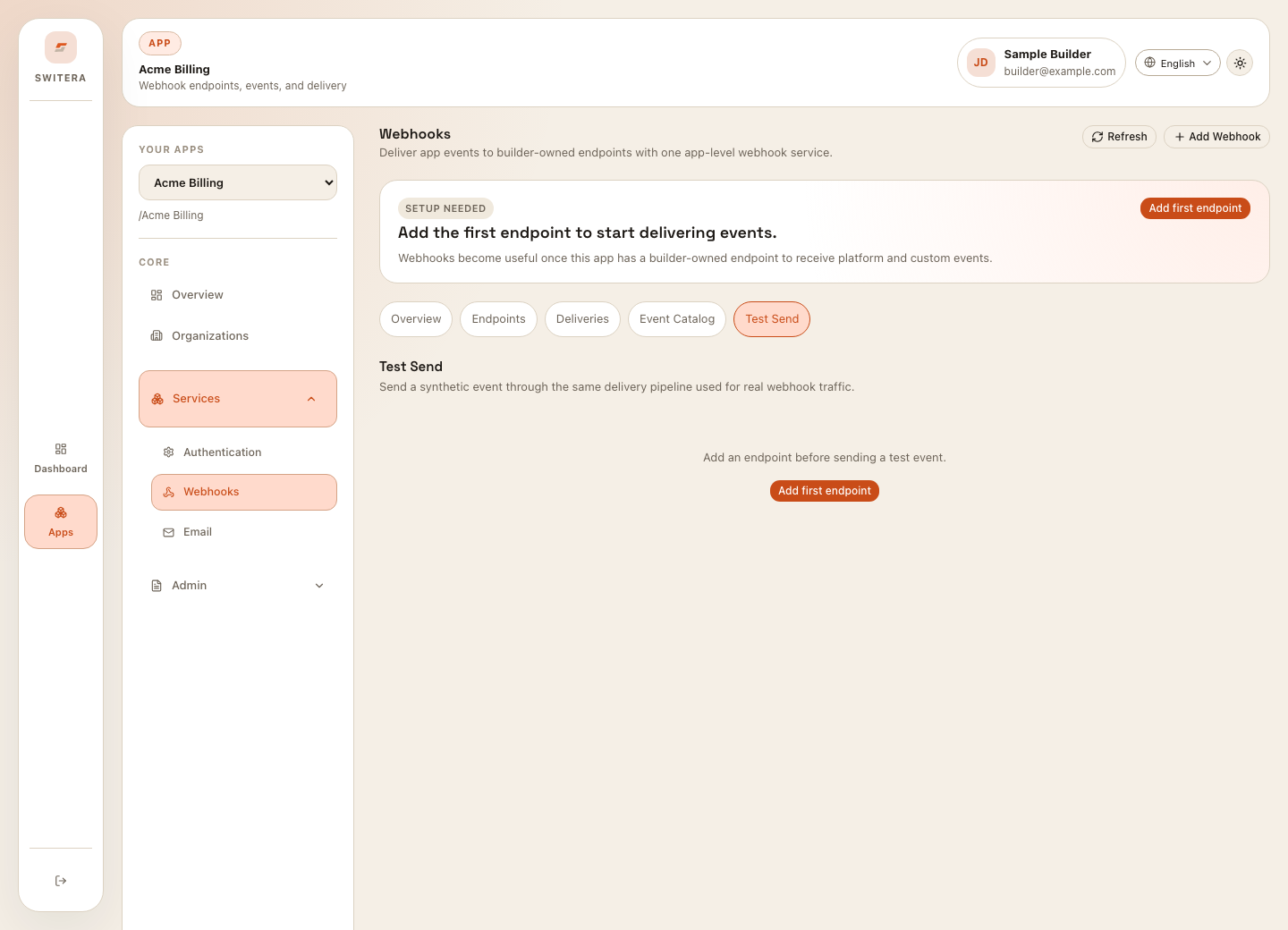
Test send workflow:
- Create or choose an endpoint.
- Confirm the endpoint URL is HTTPS.
- Select the test event type.
- Send the test event.
- Check the receiver logs.
- Confirm signature verification against the raw request body.
- Confirm the receiver returns a success response.
- Review the Switera delivery record.
If no endpoint exists, add the endpoint before testing.
Review delivery history
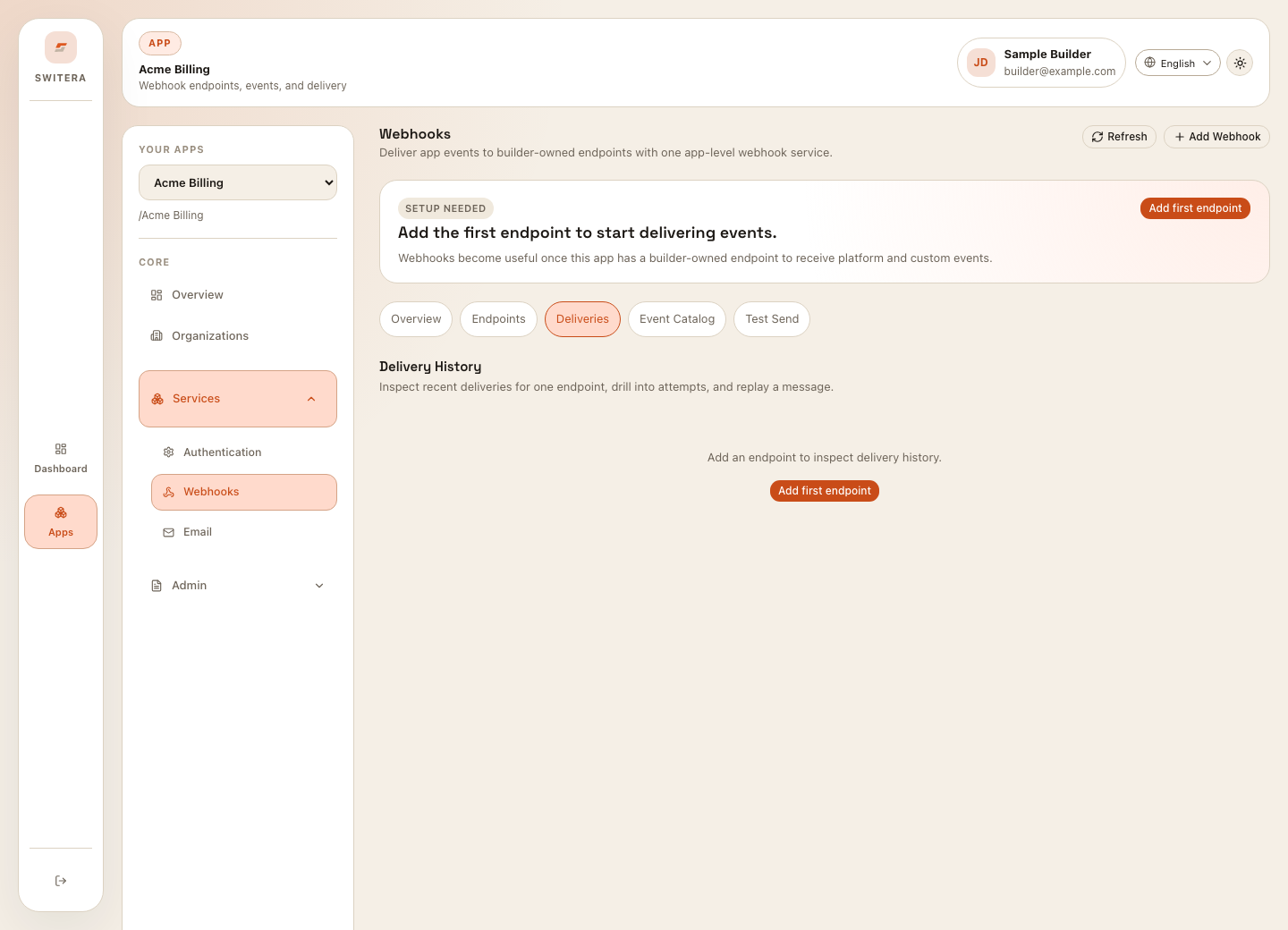
Look for:
- status
- endpoint name
- event type
- attempt count
- response status
- response body or error summary
- created and last-attempt timestamps
Use delivery history as the shared source of truth when product, backend, and support teams investigate a missed automation.
Debug failed deliveries
Common causes:
| Symptom | Likely cause | What to check |
|---|---|---|
| Connection timeout | Receiver unreachable or too slow. | Public URL, firewall, receiver latency, health checks. |
| 401 or 403 | Receiver rejected the request. | Signature secret, auth middleware, route allowlist. |
| 404 | Wrong endpoint path. | Webhook URL, route prefix, deployment path. |
| 500 | Receiver failed internally. | Receiver logs, payload parsing, database errors. |
| Repeated duplicate side effects | Receiver is not idempotent. | Event ID storage and duplicate handling. |
Retry safely
Retry after the receiver is fixed.
- Fix the receiver.
- Send one test event.
- Confirm success in the receiver and in Switera.
- Retry one failed delivery.
- Confirm the downstream action is correct.
- Retry the remaining affected deliveries.
Receiver checklist
- validates signatures
- verifies against the raw request body before parsing JSON
- handles duplicate event IDs
- returns quickly after accepting work
- logs event type and delivery ID
- avoids logging secrets
- treats unknown event types as safe no-ops or explicit failures
- has alerting for repeated failures
Related pages: