Endpoints, events, and deliveries
Use this page after you understand the Webhooks overview. It explains the day-to-day workflow for endpoints, events, deliveries, and replay.
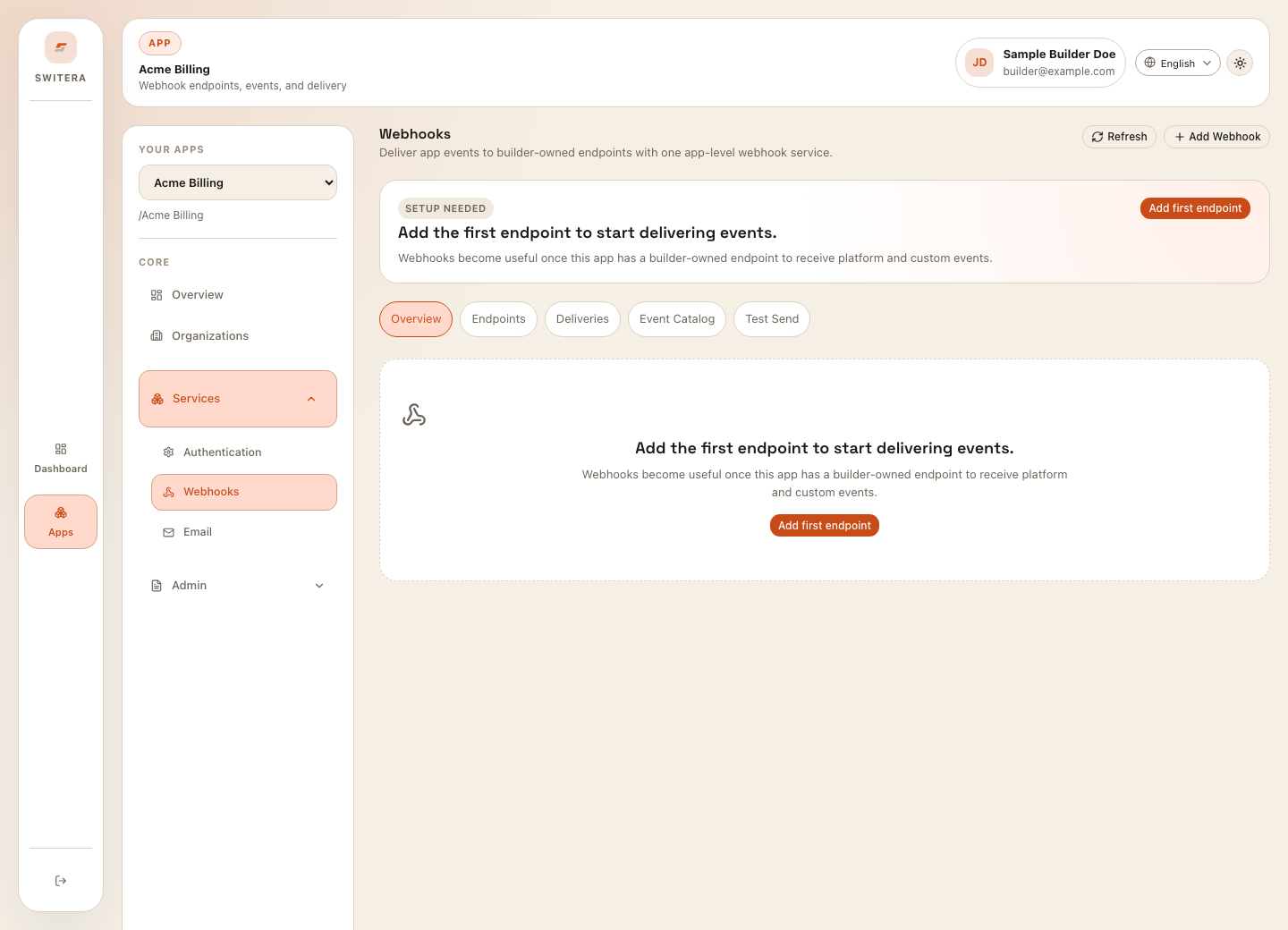
Create an endpoint
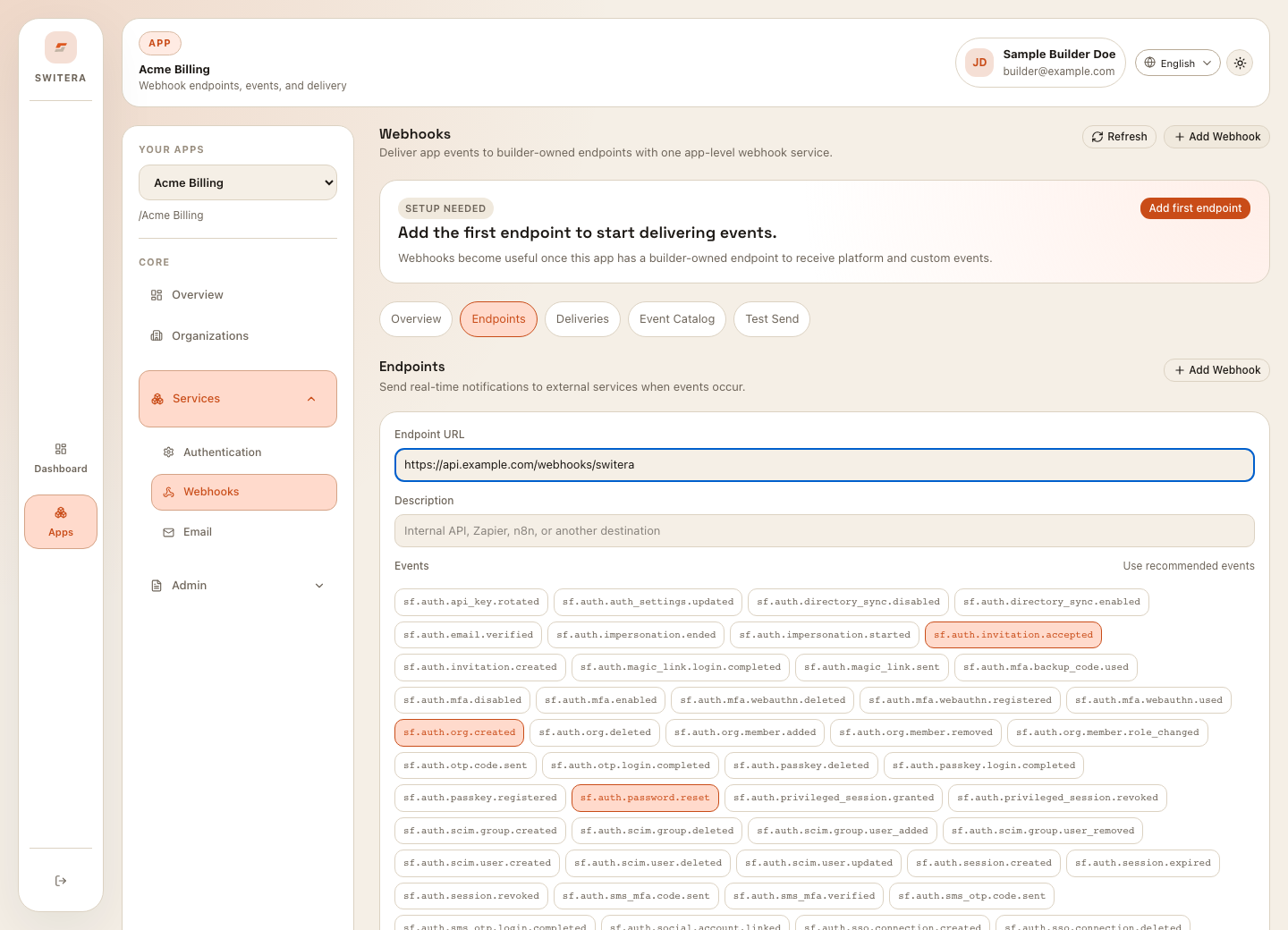
- Open Endpoints.
- Select Add Webhook.
- Enter the endpoint URL.
- Add a readable endpoint name if the form asks for one.
- Choose event subscriptions.
- Save.
- Store the endpoint secret in the receiver environment.
Choose event subscriptions
Start small. Subscribe to one event family first, then add more after the receiver is proven.
For each event, ask:
- does the receiver need this event?
- what action will happen when the event arrives?
- is the action idempotent?
- what data should be stored for troubleshooting?
- who owns the receiver if delivery fails?
Send a test event
Use Test Send before enabling real traffic.
Check:
- the receiver receives the request
- signature verification passes against the raw request body
- the receiver returns a success status quickly
- the event payload is parsed correctly
- duplicate delivery does not create duplicate business records
- logs contain the delivery ID
Review deliveries
Use Deliveries when something fails or when you need proof of delivery.
Review:
- delivery status
- event type
- endpoint name
- attempt count
- response status
- response body or error summary
- last attempt time
Retry and replay
Retry only after fixing the receiver. Replaying failed deliveries before the receiver is corrected usually creates repeated failures.
Safe retry pattern:
- Inspect the failed delivery.
- Fix the receiver or subscription.
- Send a test event.
- Retry one failed delivery.
- Confirm success.
- Retry the remaining affected deliveries.
Receiver implementation checklist
- accepts HTTPS
- verifies signatures
- verifies against the raw request body before parsing JSON
- returns 2xx quickly after validation
- stores event ID or delivery ID
- handles duplicates
- logs enough context for diagnosis
- keeps secrets out of logs
Related pages: