Overview
Switera overview
Switera helps Builders create and operate SaaS apps from one control plane. Start with an app, add customer organizations, configure Auth, then connect email, webhooks, API credentials, and audit controls as the app becomes live.
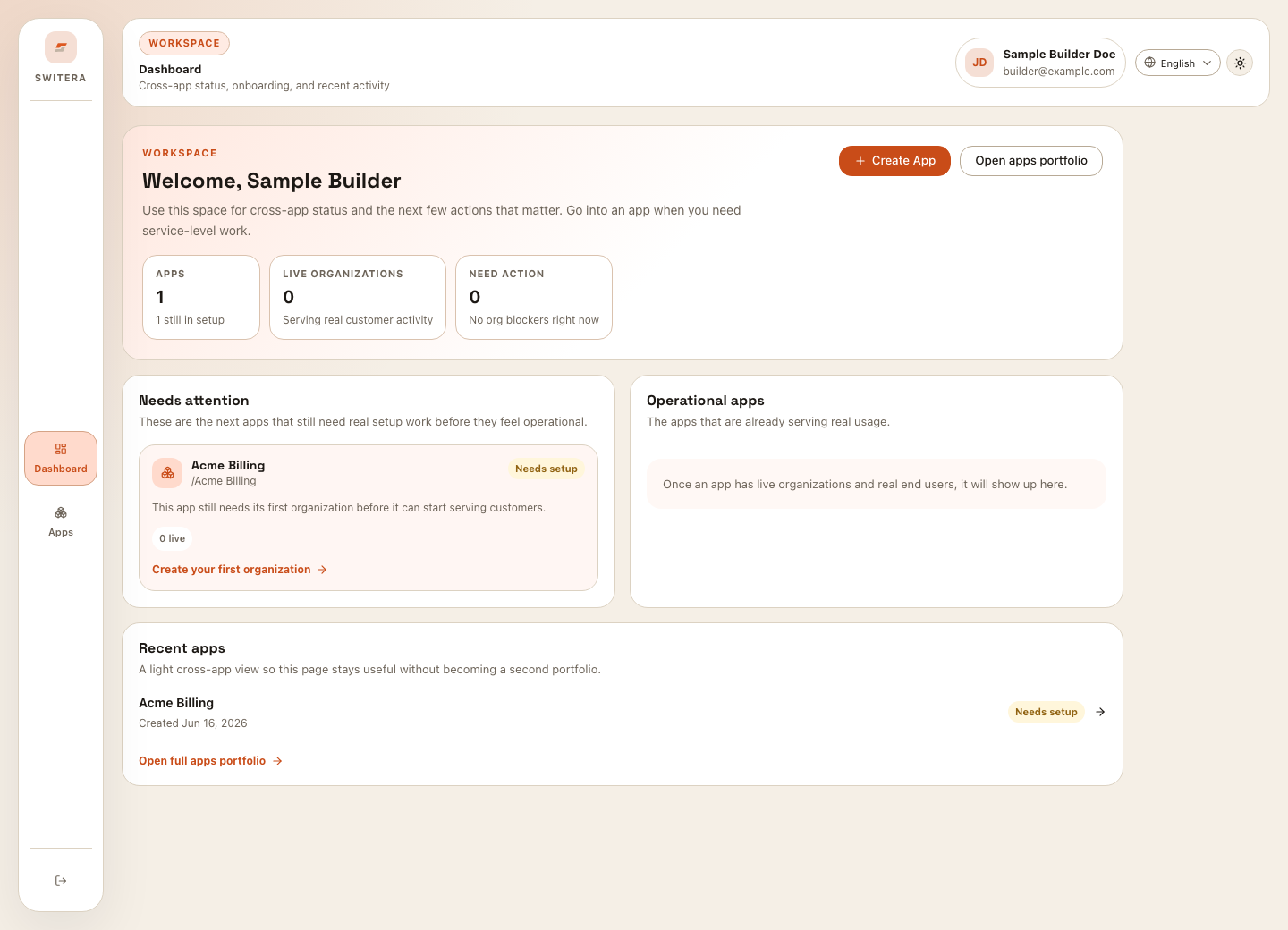
What Switera manages
Switera is organized around the way a Builder launches a SaaS product:
Apps
An app is the product container for everything you configure: organizations, Auth, webhooks, email, credentials, and operational records.
Organizations
Organizations represent the customer accounts or workspaces inside your app. They become the boundary for members, invitations, domains, and customer activity.
Auth
Auth controls how end users sign in, verify identity, use social login or SSO, pass MFA, accept terms, and move through secure access flows.
Webhooks, email, and billing
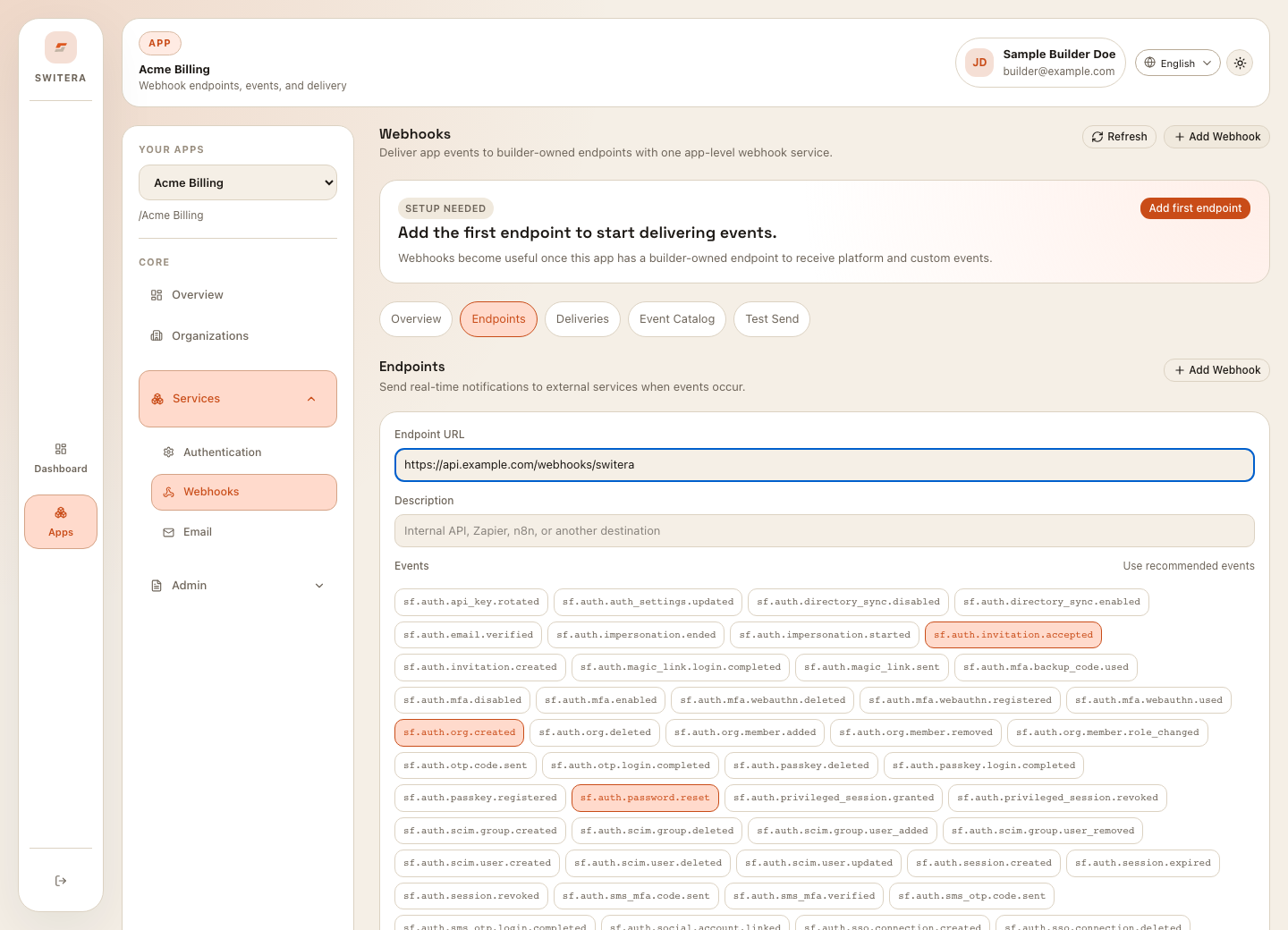
Webhooks deliver event messages, Email handles product messages, and Billing connects organizations to plans, subscriptions, usage, and invoice visibility.
Recommended launch path
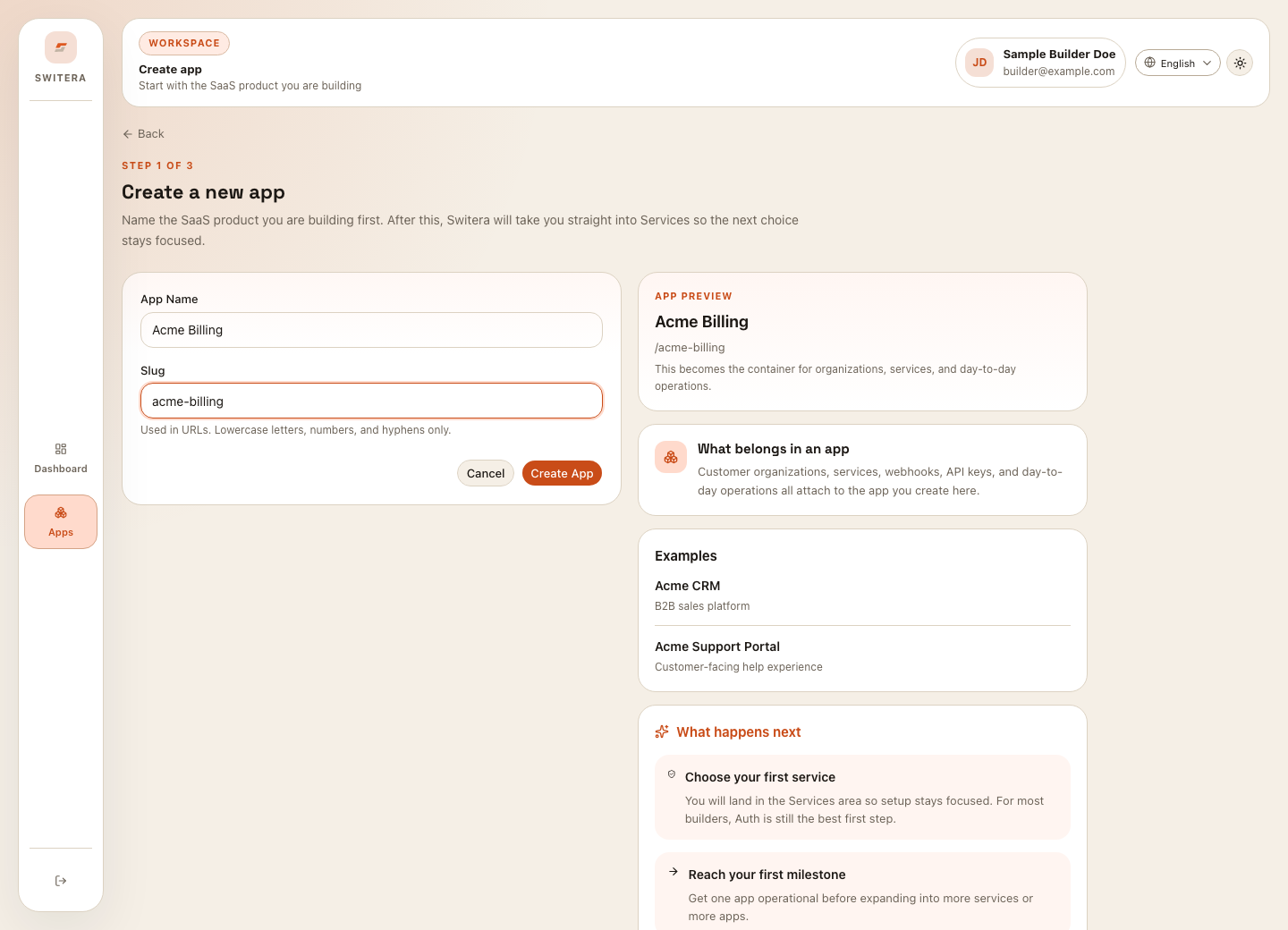
1. Create app
Name the SaaS product you are building.
Name the SaaS product you are building.
2. Add organization
Create the first customer account or workspace.
Create the first customer account or workspace.
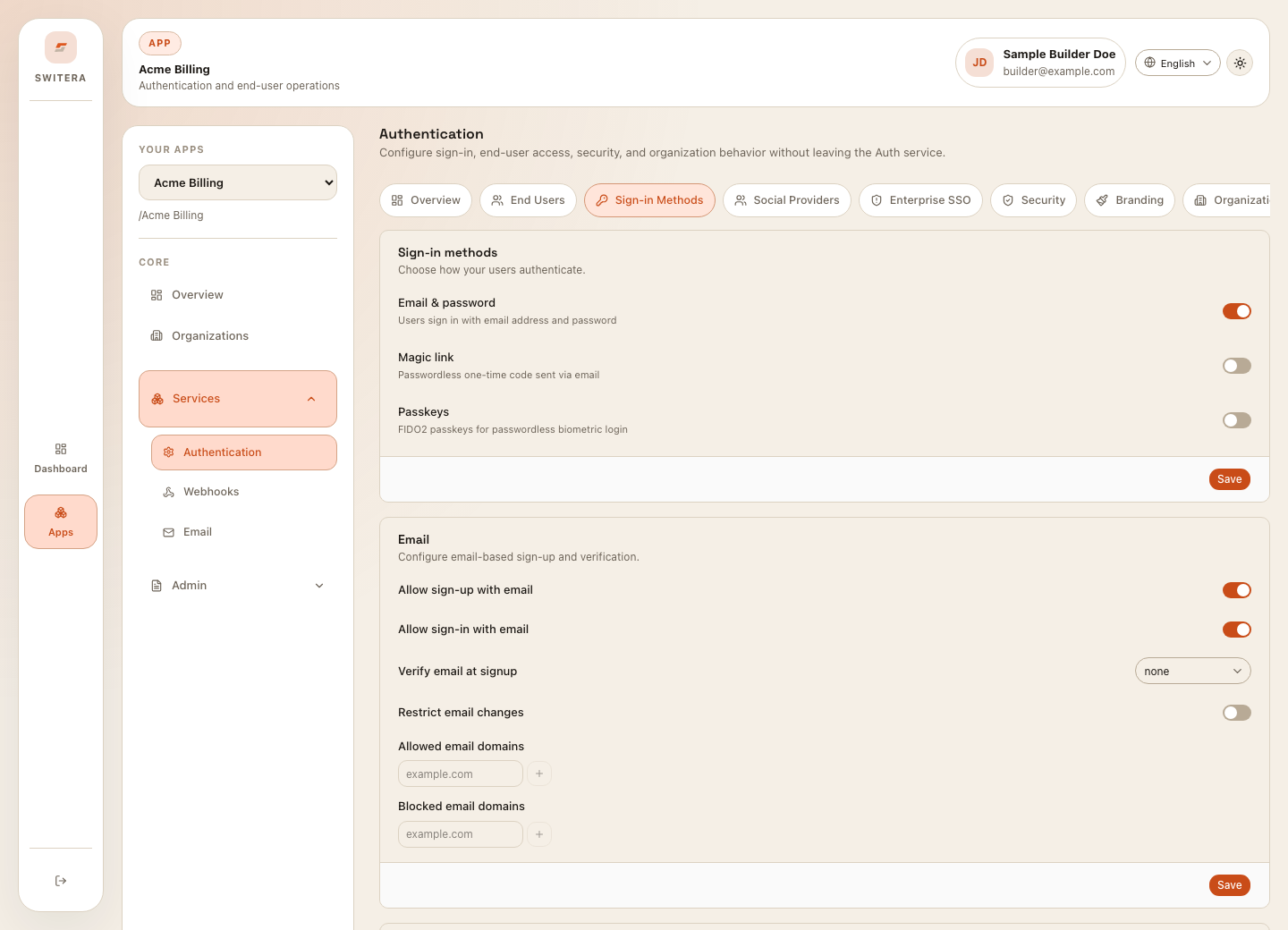
3. Configure Auth
Choose sign-in methods and security controls.
Choose sign-in methods and security controls.
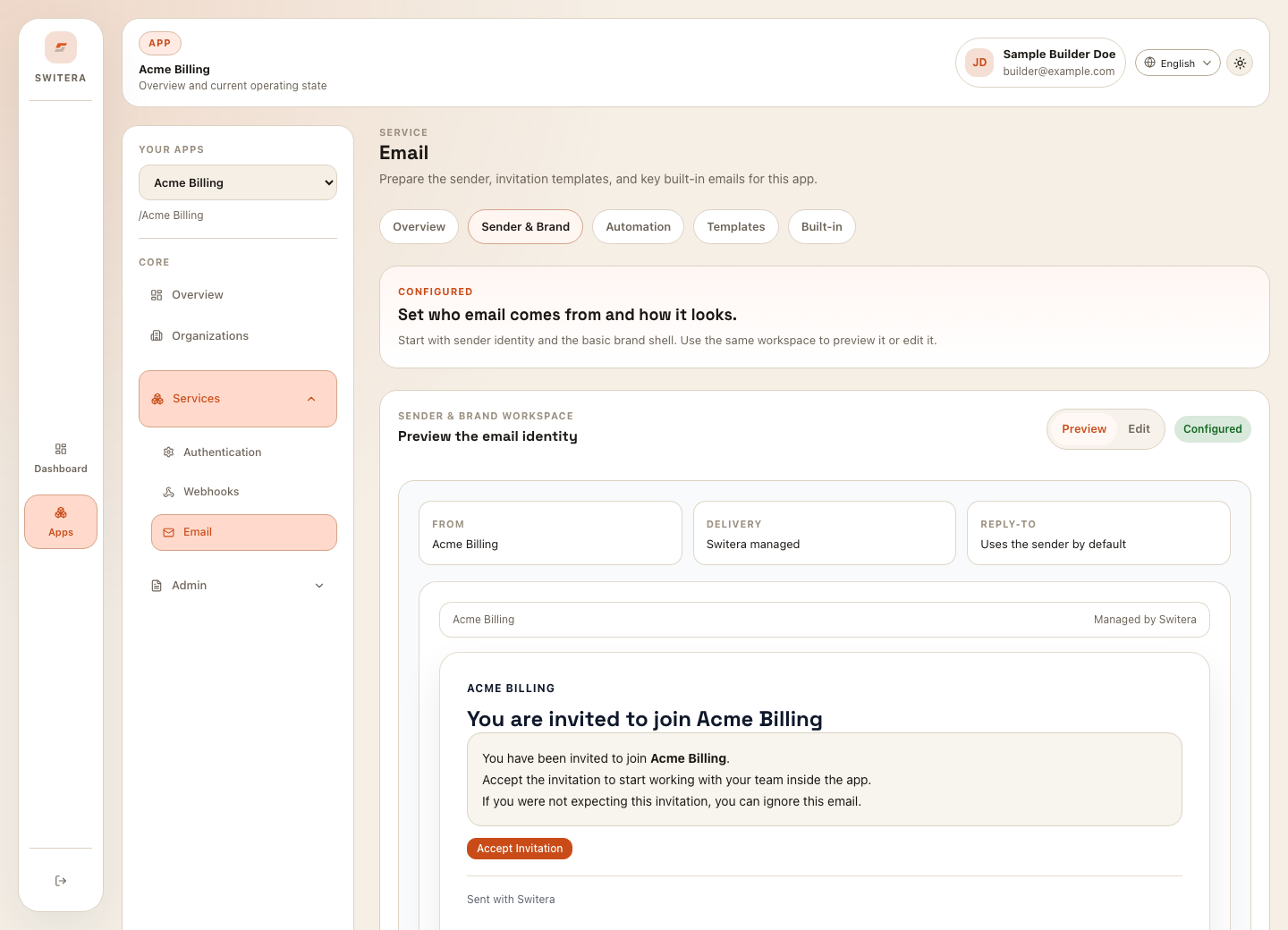
4. Connect services
Set up email, webhooks, API keys, and OAuth callbacks.
Set up email, webhooks, API keys, and OAuth callbacks.
5. Operate
Review activity, delivery history, and audit logs.
Review activity, delivery history, and audit logs.
Use Sign in and navigate Switera when you are entering the product for the first time. Use Create your first app when you are starting from an empty workspace. Use the Activation checklist before you invite real end users.
Product areas at a glance
| Area | Use it for | Start here |
|---|---|---|
| Dashboard | Cross-app status and next actions | Sign in and navigate |
| Apps | Product-level setup and operating state | Services overview |
| Organizations | Customer accounts, members, invitations, groups, and domains | Members and invitations |
| Auth | Sign-in, social login, SSO, MFA, branding, legal consent, hooks, and directory sync | Hosted Auth pages |
| Users | User directory, imports, organization assignment, and access review | Import users |
| Sender setup, DNS readiness, templates, workflows, managed emails, and delivery runtime | Email workflows | |
| Billing | Customer mappings, plan catalog, subscriptions, usage meters, and invoice visibility | Billing overview |
| Webhooks | Endpoints, event catalog, test sends, delivery attempts, and replay | Test sends and debugging |
| Developers | API keys, OAuth client details, Connect flows, and OpenAPI reference | Integration checklist |
| Operations | Audit logs, exports, diagnosis, and recovery steps | Day-two operations |
Main user workflows
Public safety model
Switera docs intentionally describe product behavior, setup steps, and user workflows. They do not publish private operating details, implementation-only configuration, or live credentials.