Activation checklist
Use this checklist before inviting real end users, enabling production integrations, or relying on Switera for live customer activity.
How to use the checklist
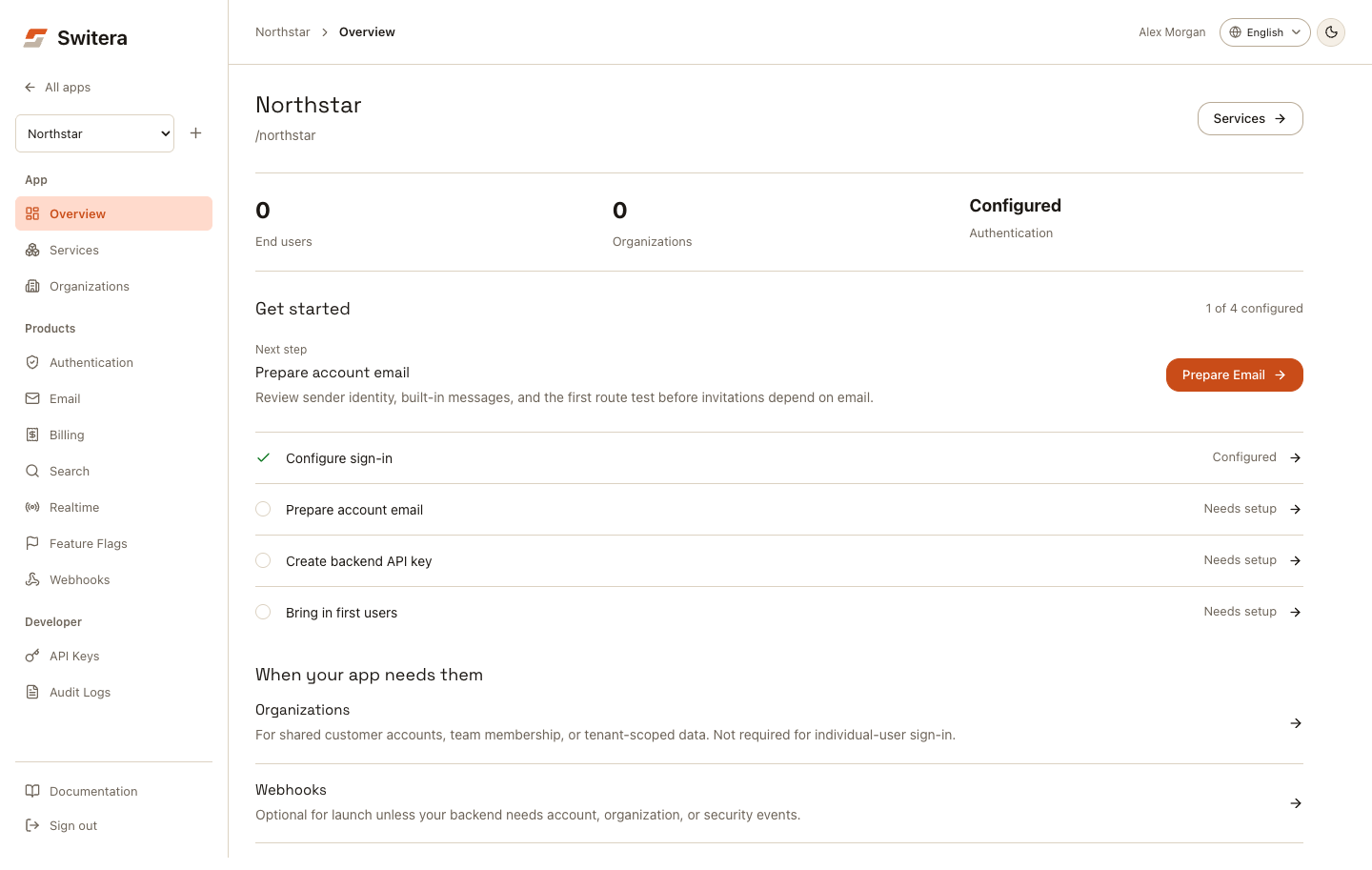
- Open the app overview.
- Walk through each area below.
- Fix blockers before inviting real users.
- Leave only intentional follow-ups for after launch.
- Check audit logs at the end.
App setup
- App name and slug are correct.
- The app owner and operating team know which product this app represents.
- The app overview does not show required setup blockers.
- Review the app overview's Get started sequence. A configured item still needs a real integration test; the score is not production-readiness certification.
- The correct app is selected in the sidebar before making service changes.
- The app is not a duplicate of another app in the portfolio.
Organizations, when needed
Skip organization creation for individual-user sign-in. Create and test an organization when your product uses team membership or tenant-scoped services.
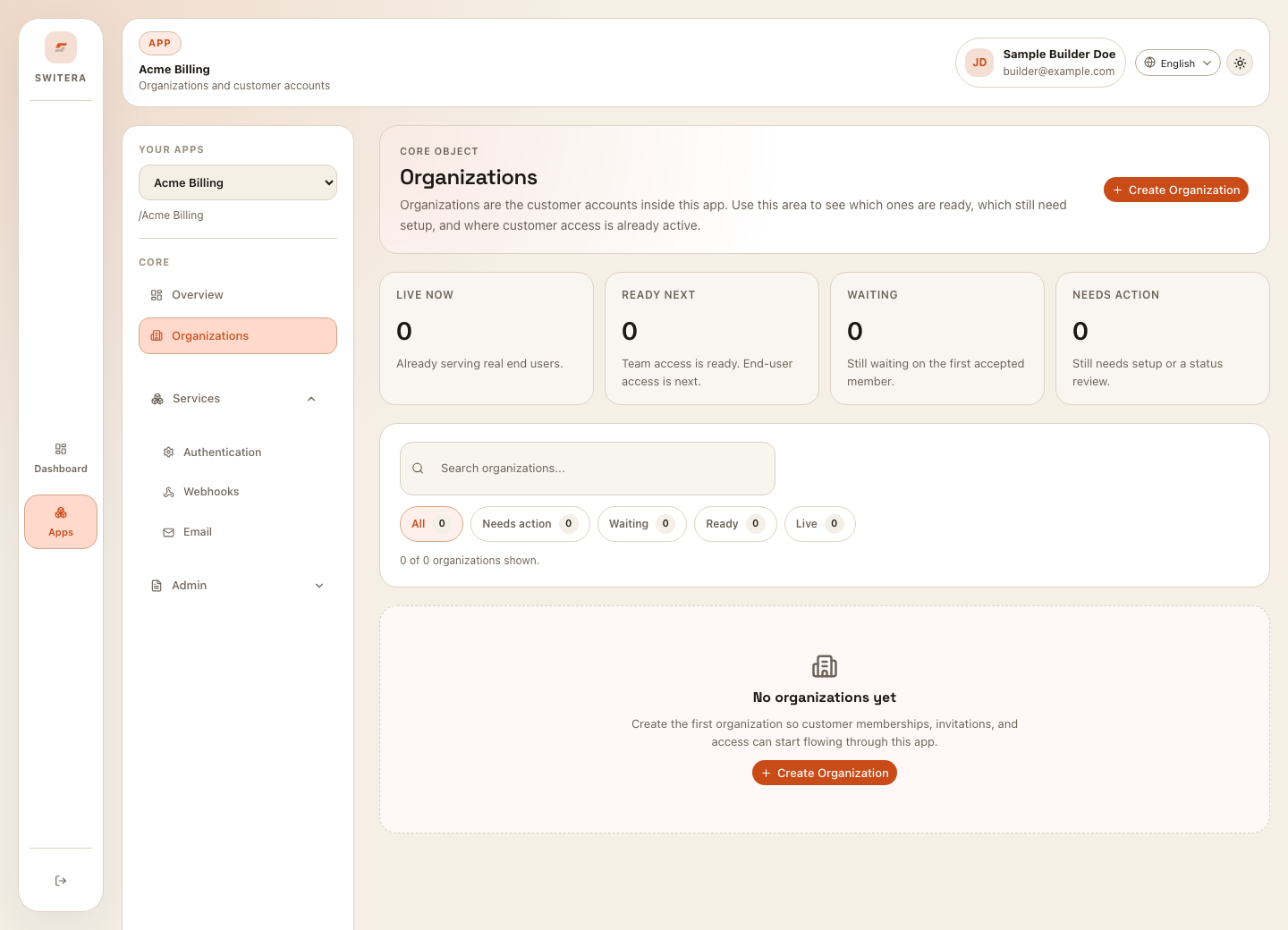
- The first organization exists if the product needs one.
- Organization name and slug are correct.
- Invitations are sent only to intended recipients.
- Organization roles are clear.
- Domain auto-join is enabled only when the domain is owned and verified.
- Groups and custom roles are used only when the app needs them.
Auth
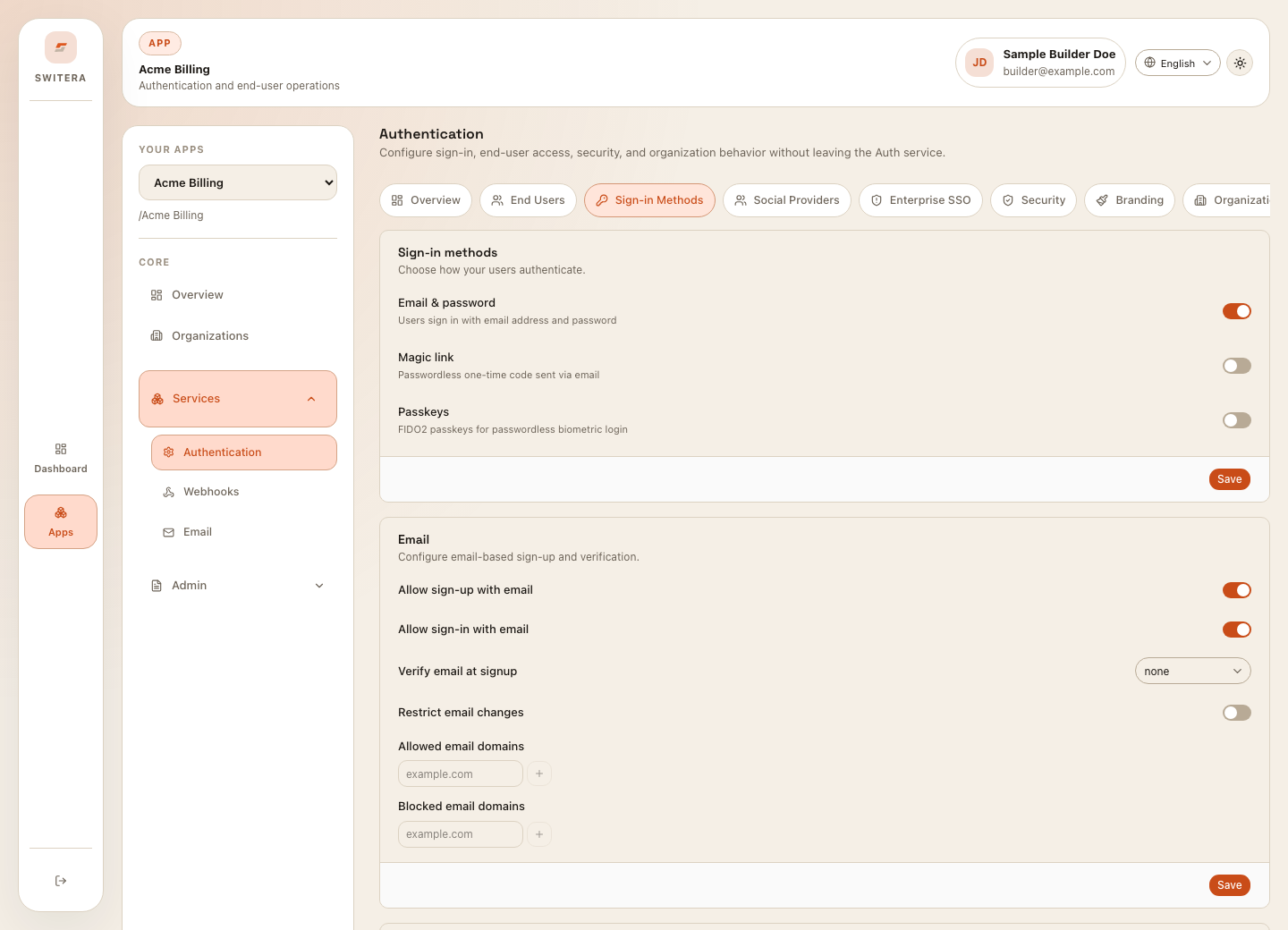
- At least one sign-in method is enabled.
- Email verification policy matches the risk level of the app.
- Password, passkey, magic link, social login, and SSO options are intentionally chosen.
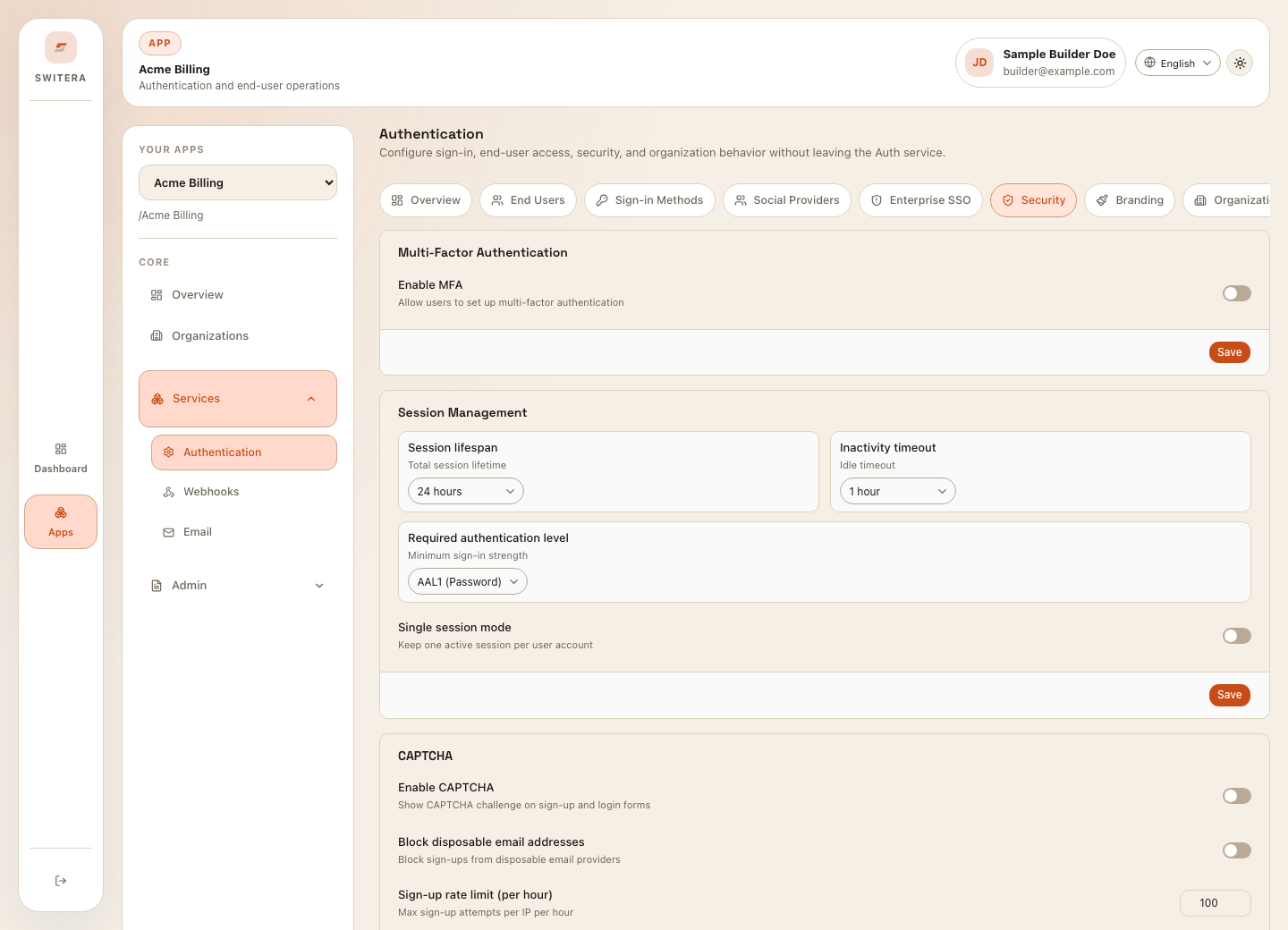
- MFA policy is configured for the audience you expect.
- Session timeout and single-session behavior match your security requirements.
- Legal URLs are correct if consent is required at sign-up.
- Auth branding matches your product enough that end users trust the flow.
Email
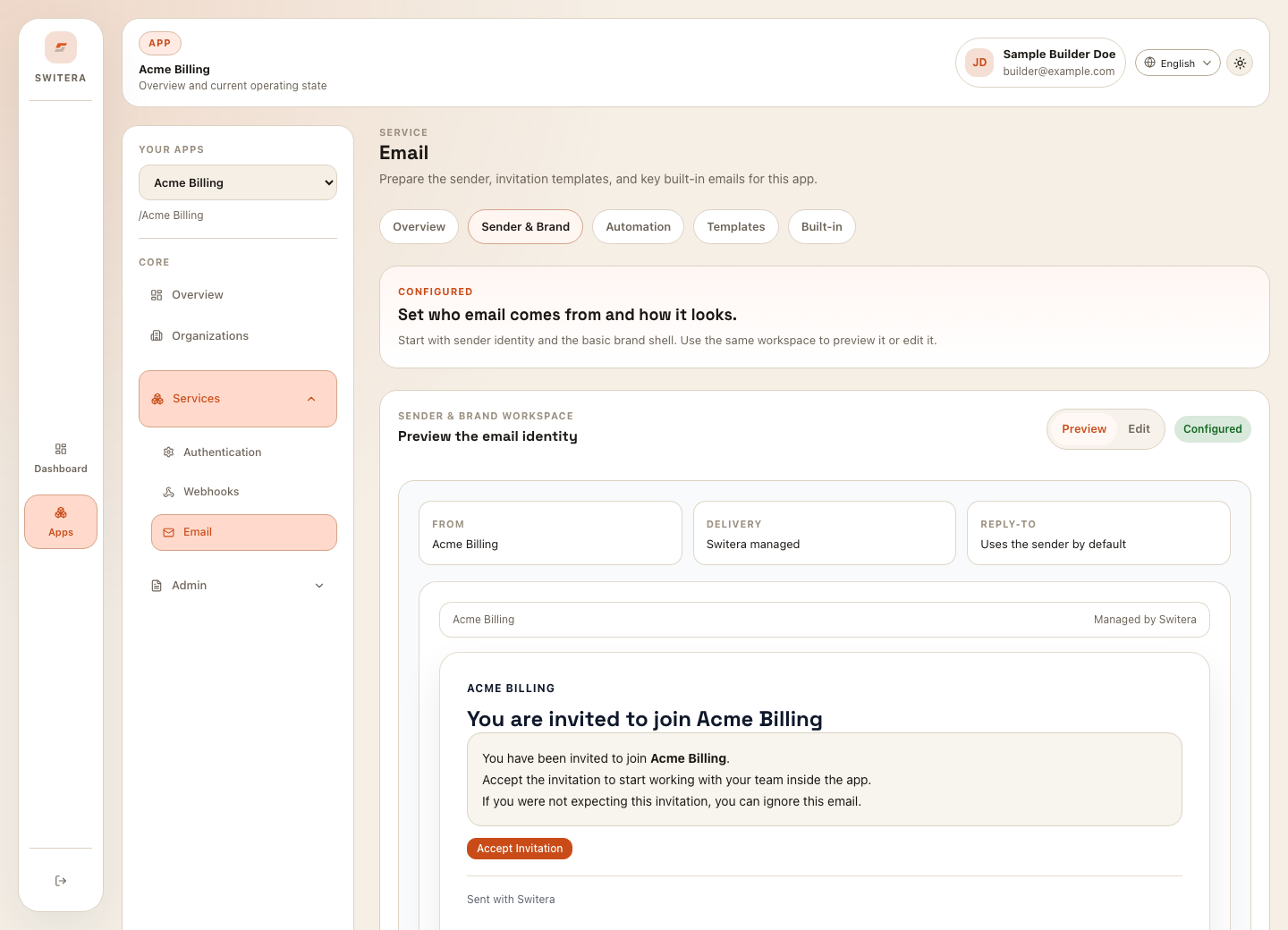
- Sender name and sender address are correct.
- Sender domain DNS records are added and verified if custom sending is used.
- Route test sends successfully reach a monitored mailbox.
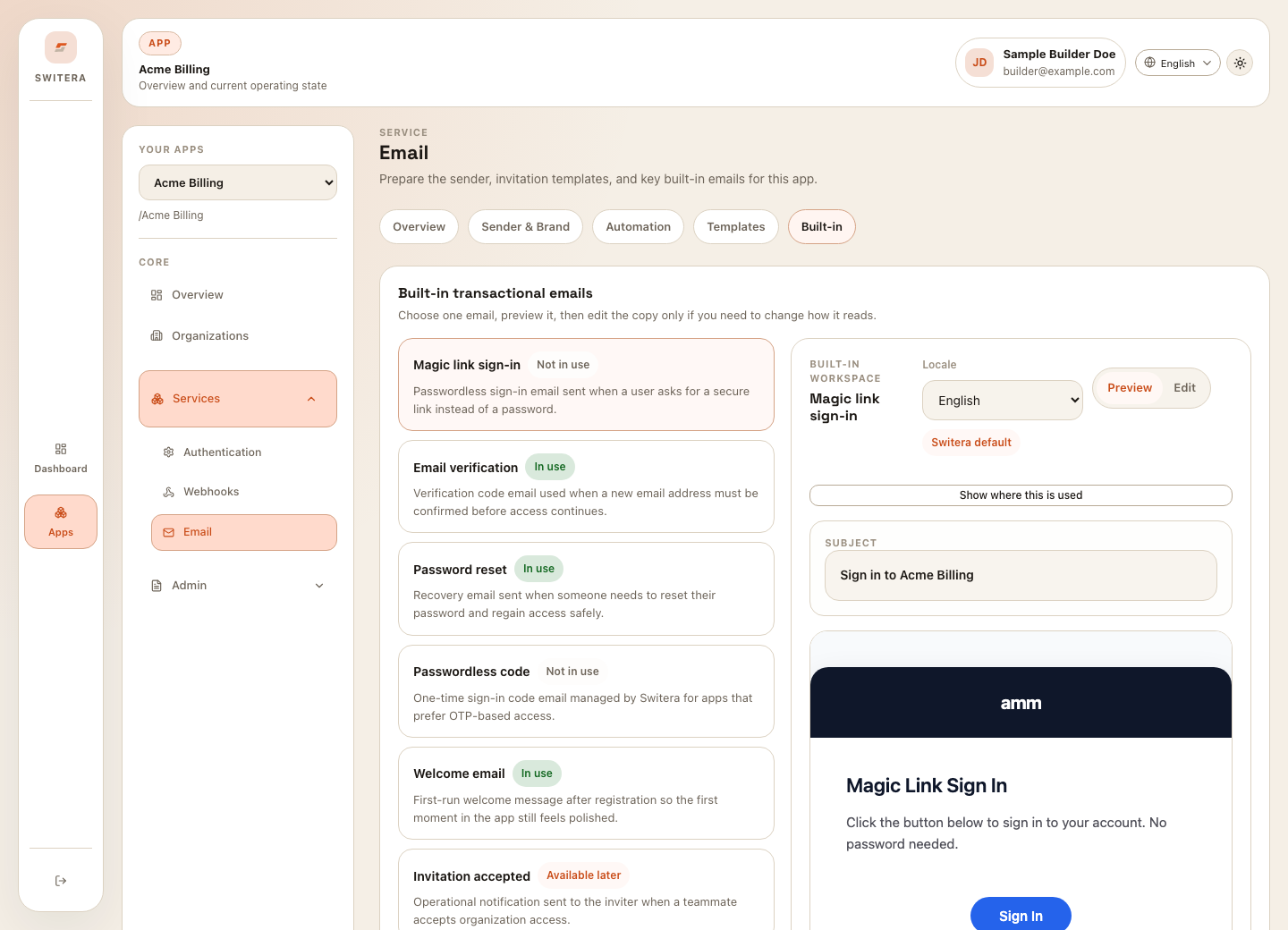
- Invitation templates and built-in messages are reviewed in every locale you use.
- Suppression list is clean before launch.
- Runtime delivery history does not show unresolved delivery issues.
Webhooks
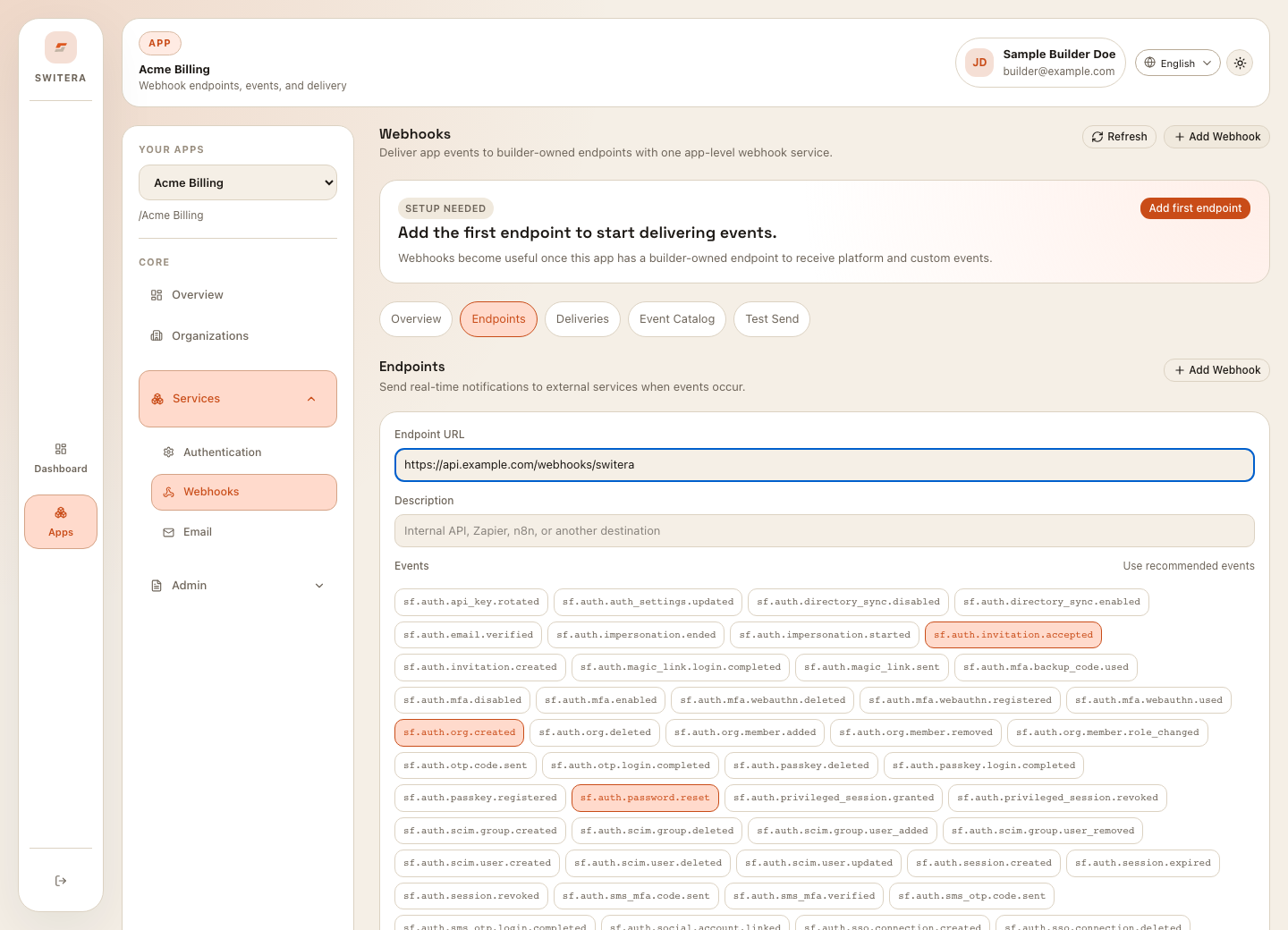
- At least one endpoint exists if your backend needs event delivery.
- Endpoint URL uses HTTPS.
- Subscribed event types are limited to what the receiver needs.
- Endpoint signing secret is stored securely.
- Test send succeeds and the receiver validates the payload.
- Failed or pending deliveries are investigated before launch.
Developer credentials
- Test keys and live keys are stored separately.
- Secret keys are used only from trusted backend services.
- Publishable keys are treated as public identifiers.
- At least one backend secret key exists before SDK or REST integration testing.
- Rotation steps are known before production traffic starts.
- OAuth redirect URIs are exact and environment-specific.
Operations
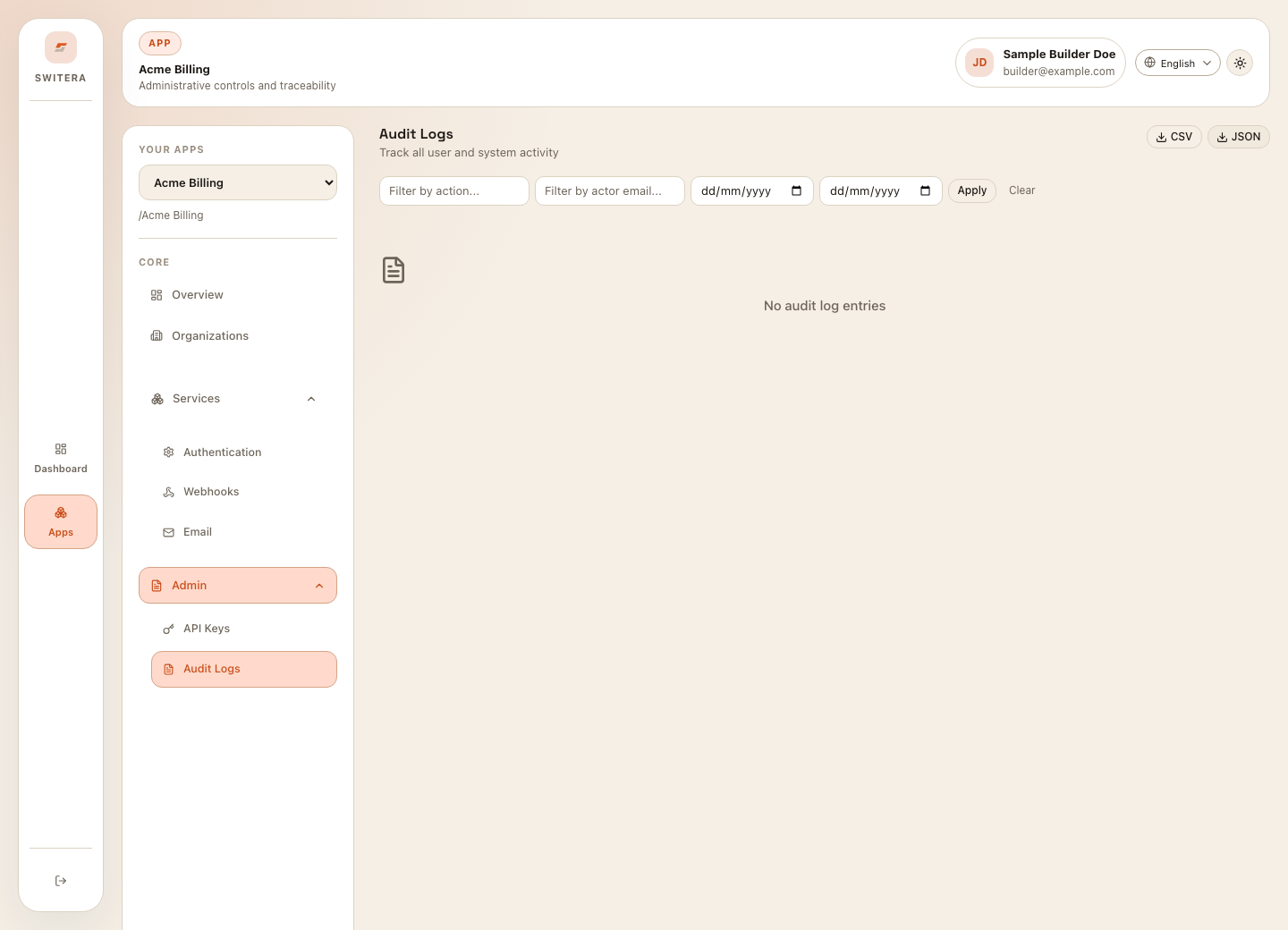
- Audit logs show expected configuration changes.
- Export process is understood if compliance review is needed.
- Team knows where to check user sessions, MFA status, webhook deliveries, email runtime, and audit history.
- Troubleshooting paths are documented for sign-in, email, webhook, and API failures.
Launch decision
Move to production use only when required setup is complete and the remaining items are intentional follow-ups rather than blockers.