Hosted Auth pages
Hosted Auth pages are the user-facing screens Switera can show for sign-in, registration, recovery, verification, and device authorization. Review these pages before inviting real users so the flow feels consistent with your product.
Login page
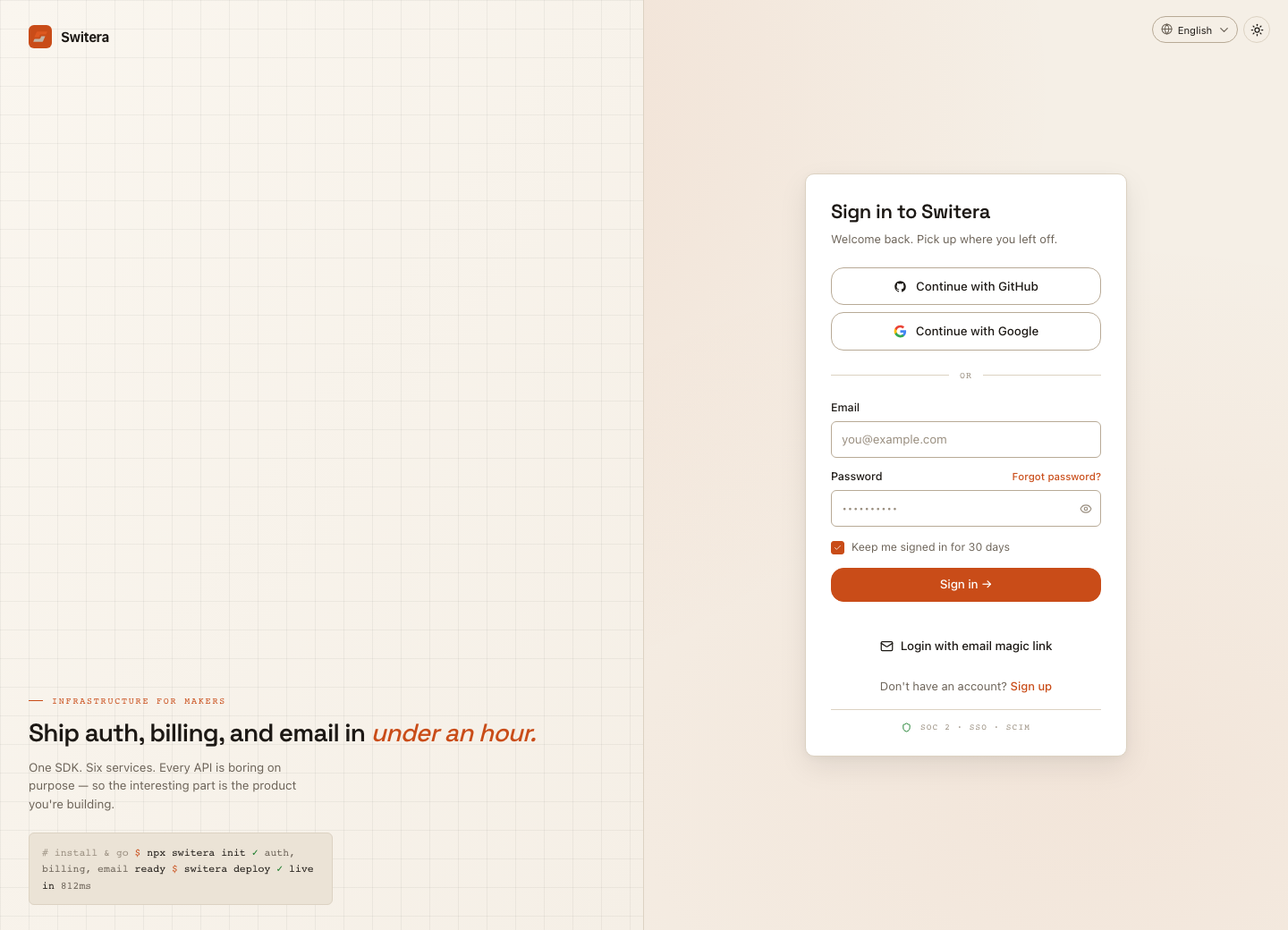
Test:
- primary sign-in method
- disabled or unavailable methods are not shown
- wrong-password behavior
- forgot-password link
- post-login redirect
- mobile layout
Registration page
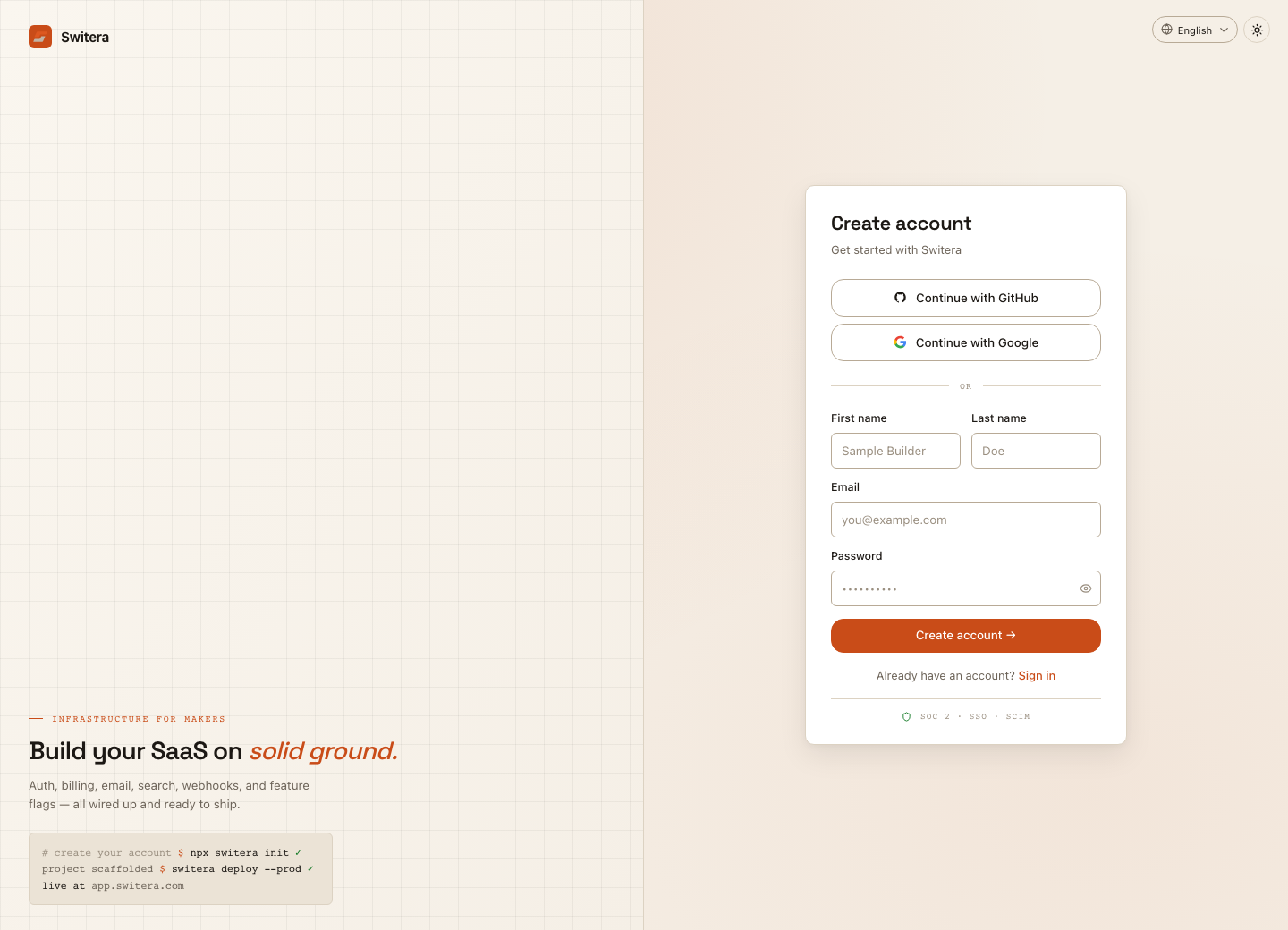
Before allowing public registration, confirm:
- email verification policy
- password policy
- legal consent requirements
- whether new users should be attached to an organization
- what happens after successful registration
Recovery and verification
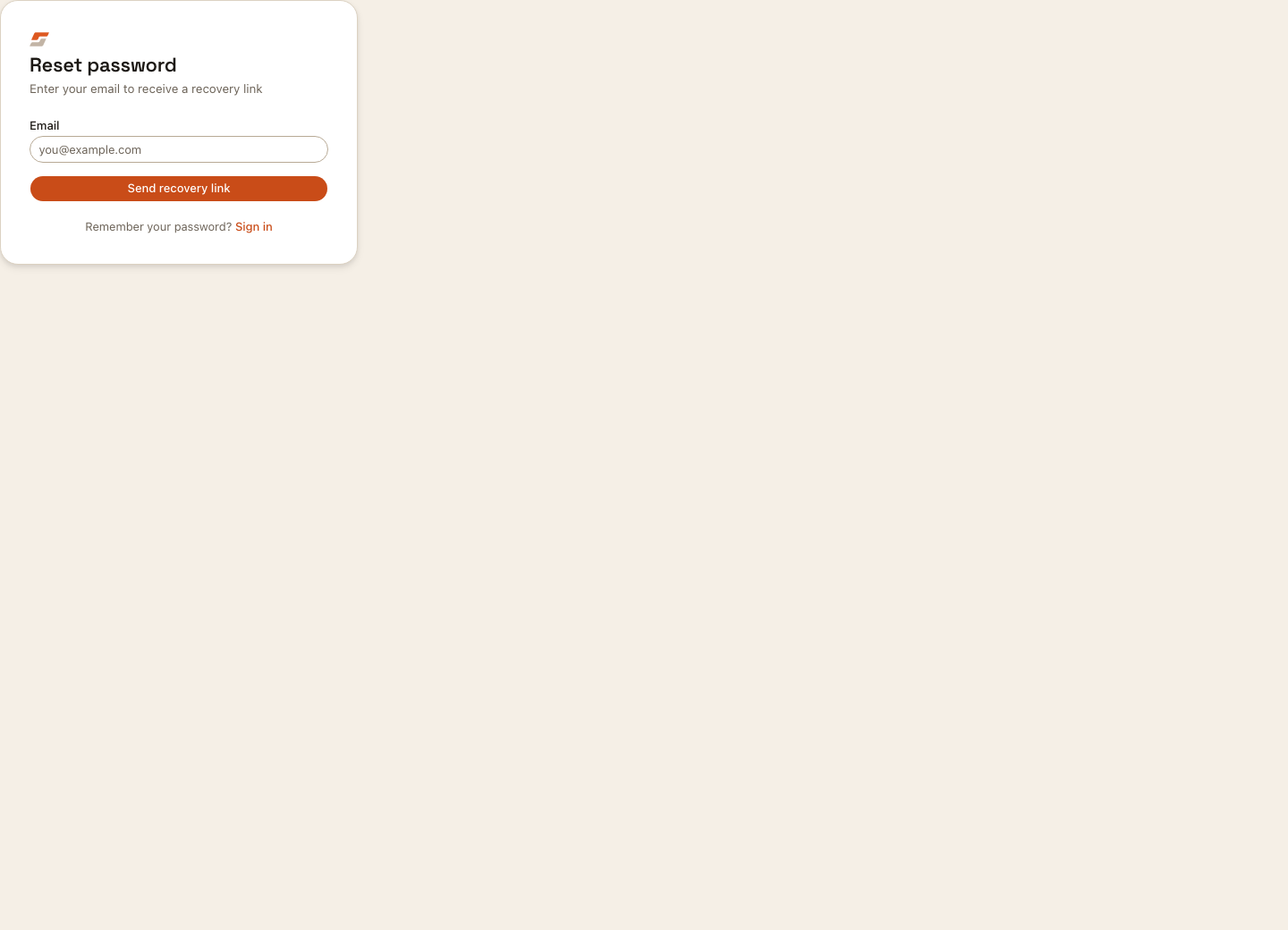

Test recovery and verification with a test user before launch. Confirm email delivery, link expiry, error copy, and the destination after completion.
Device authorization
Some CLI or device-style flows ask the user to enter a code in the browser.
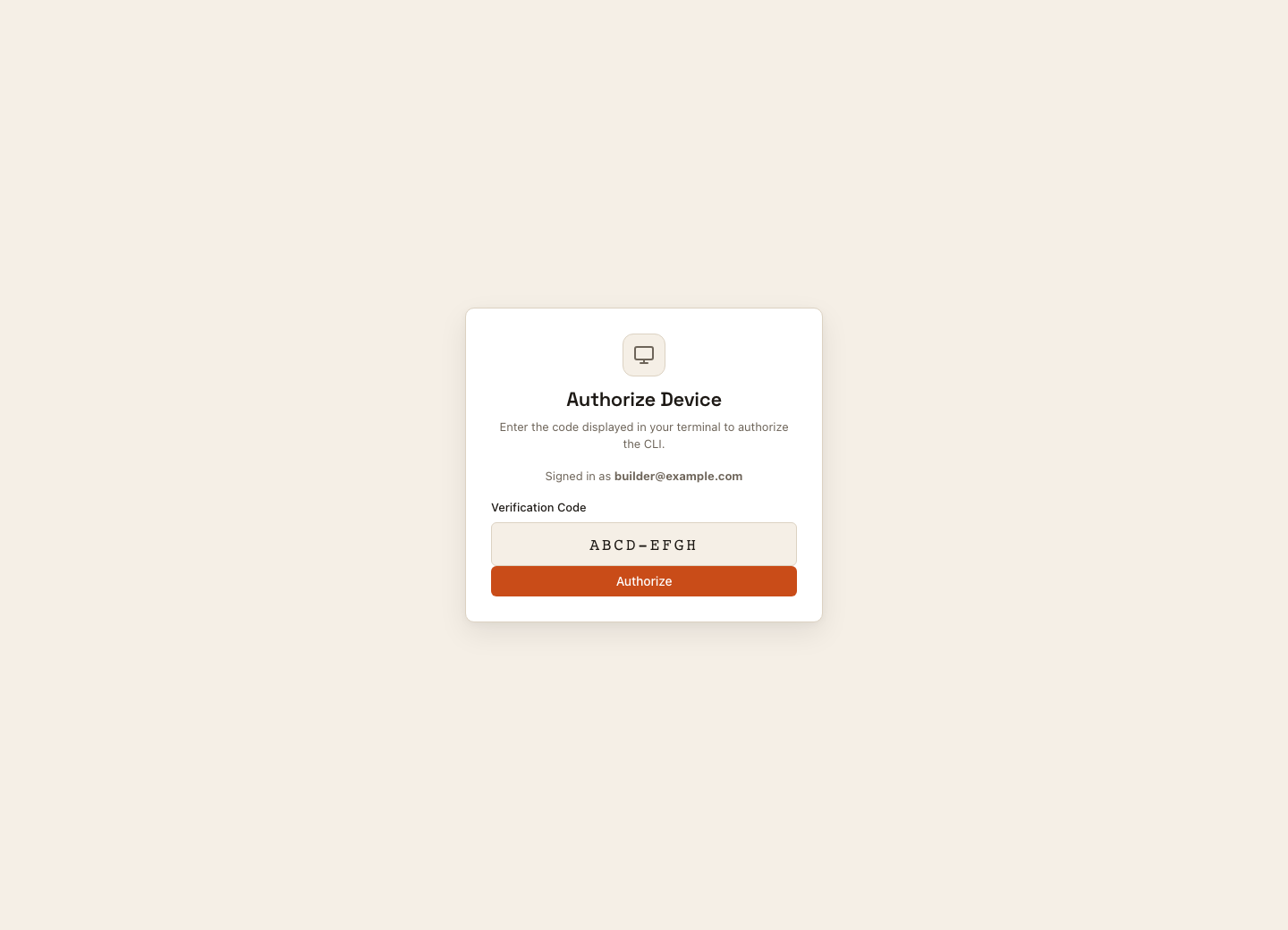
For device flows:
- Start the CLI or device login flow.
- Open the URL shown by the tool.
- Sign in if needed.
- Enter or confirm the verification code.
- Authorize only devices you recognize.
- Return to the CLI or device and confirm it completed.
Brand and legal checks
Before sharing hosted pages with customers:
- review logo and app name
- review primary color and button state
- check terms and privacy links
- confirm consent copy where required
- test desktop and mobile widths
- test every enabled provider
Redirect checks
After a user completes a hosted page, confirm the destination is expected:
- dashboard or app workspace for Builders
- product callback for end users
- invitation continuation for invited users
- device completion for CLI/device authorization
- recovery completion page for password reset
Unexpected redirects usually mean the return URL, callback URL, or flow continuation needs review.
Related pages: