Auth Hooks and directory sync
Auth Hooks and directory sync are advanced controls. Use them after the basic sign-in path works and after the organization model is clear.
When to use Auth Hooks
Use Auth Hooks when Switera needs to call your backend during sensitive flows, such as:
- checking whether a sign-up should be allowed
- adding custom claims
- enforcing tenant-specific rules
- blocking access when an external account state is not valid
- enriching a session with product-specific data
Do not use a hook for work that can happen asynchronously through webhooks. Hooks should be fast and reliable because they affect the user-facing Auth flow.
Configure an Auth Hook
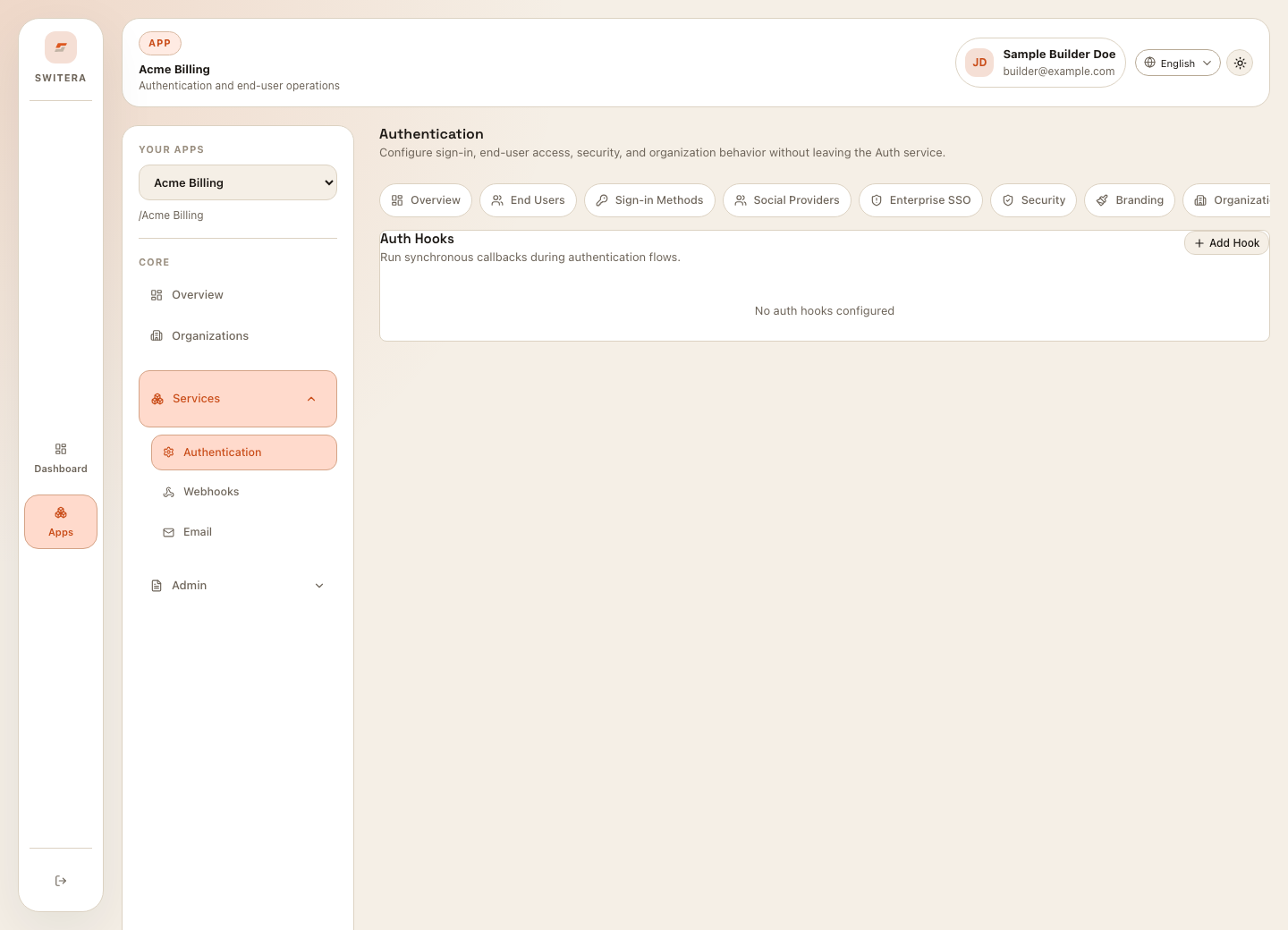
- Open Authentication > Auth Hooks.
- Select Add Hook.
- Choose the flow the hook should run on.
- Enter the HTTPS endpoint.
- Configure the signing or verification method if required.
- Save.
- Test with a non-production user.
- Confirm failure behavior is acceptable.
Hook design guidelines
- Keep responses fast.
- Return clear allow or deny decisions.
- Make the endpoint highly available.
- Log the hook decision in your backend.
- Do not return private implementation details in user-facing errors.
- Prefer webhooks for post-event processing.
When to use directory sync
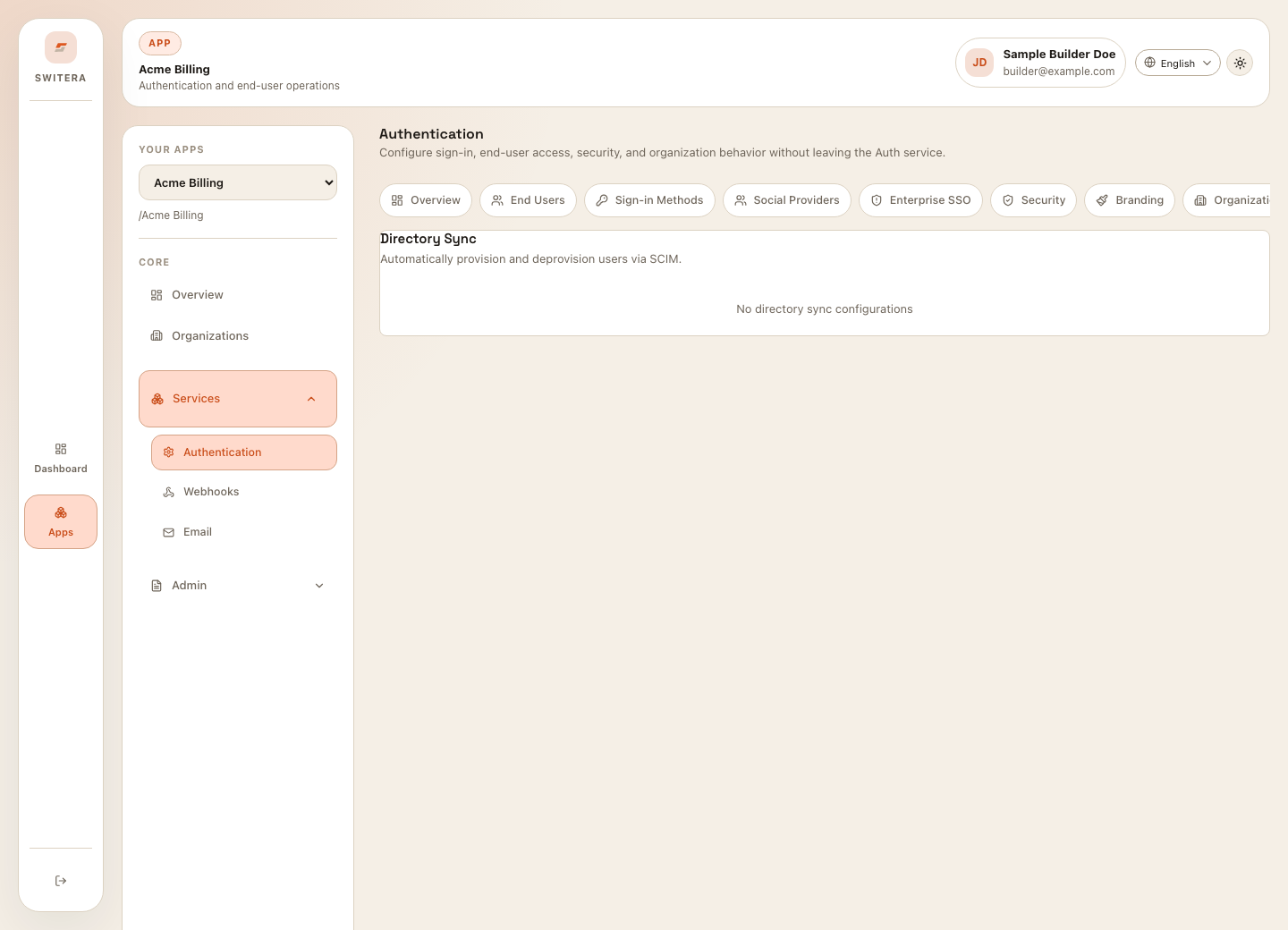
Use directory sync when an enterprise customer expects their identity provider to manage users, groups, and memberships.
Common reasons:
- automatic user provisioning
- automatic deprovisioning
- group-to-role mapping
- organization membership alignment
- enterprise audit expectations
Directory sync rollout
- Configure SSO first.
- Confirm the organization and domain mapping.
- Connect the directory provider.
- Map user identifiers and groups.
- Run a small test sync.
- Review created, updated, and deprovisioned users.
- Enable regular sync after the mapping is correct.
Safety checklist
- SSO works before sync is enabled.
- Test users are used before real customer data.
- Group mapping is reviewed by the customer owner.
- Deprovision behavior is agreed.
- Support knows where to inspect sync state.
Related pages: