Switera Docs
Build and operate your SaaS app from one control plane.
Learn how Switera apps, organizations, Auth, email, webhooks, API keys, and audit logs fit together from first setup through production operations.
 Recommended path
- Create an app.
- Add the first organization.
- Configure Auth and email.
- Connect webhooks and API credentials.
- Monitor activity and audit logs.
Launch your first app
Create an app, add the first organization, choose a sign-in method, and confirm the app is ready for real end users.
Open guideConfigure Auth
Set sign-in methods, social providers, SSO, MFA, branding, legal consent, hooks, and directory sync from one app-scoped Auth service.
Open guideOperate integrations
Use app credentials, webhook endpoints, event catalogs, email routes, audit logs, and API reference material to run production workflows.
Open guideProduct context
Docs are organized around the way Builders work.
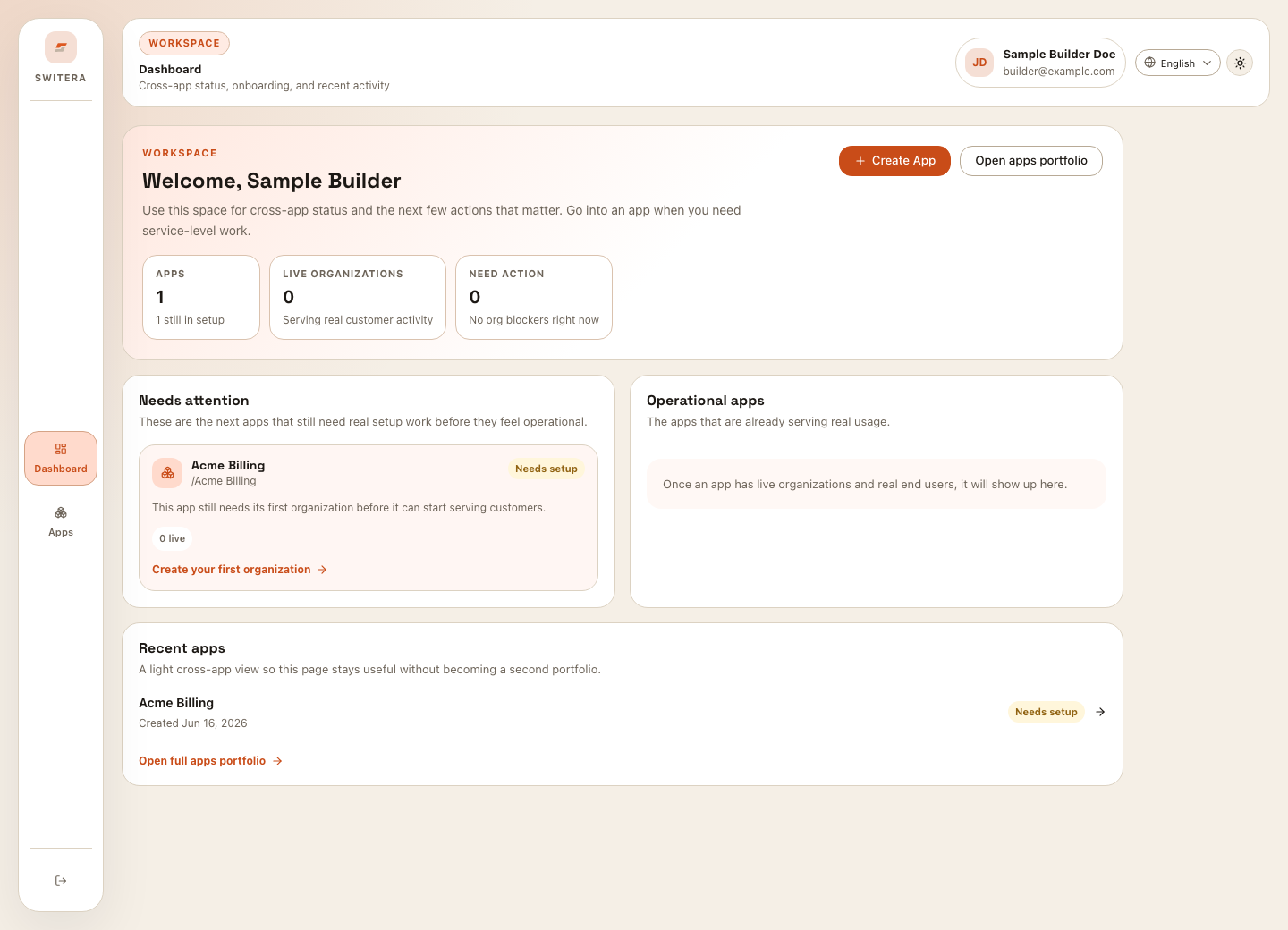
Use the workspace dashboard for cross-app status, then enter an app when you need organization, Auth, email, webhook, key, or audit controls.